My Movie music IDs & audio
My Movie ships with its own soundtrack of 96 tracks. The Music tool inside the editor's Sound panel also has a "Find Popular Music" search that pulls tracks from Roblox's public audio library. When players talk about "music codes" or "song IDs", they mean those Roblox audio IDs.
First, the "codes" thing
A lot of players search for "My Movie music codes" or "song IDs". Here is the honest answer: My Movie has no code box. There is nothing to paste a code into, unlike in clicker games.
What people actually mean is music — the tracks you attach to your movie's clips, and the Roblox audio files behind them. This page covers that properly.
Where music in My Movie comes from
Three sources, and you will use all three eventually:
| Source | What it is | Best for |
|---|---|---|
| The built-in soundtrack | About 96 tracks made for the game, grouped into albums like Vol. 1 and Vol. 2 | Your first movies — every track is safe and licensed |
| Find Popular Music | A search tool in the editor, added in the May 2026 sound update. It searches Roblox's public audio library | Finding songs your viewers already know |
| The wider Roblox library | Any public audio you have an ID for | Specific sounds: memes, effects, short clips |
The built-in soundtrack is made by Megahammer, one of the game's developers. So if you want to hear every track the game has, the album list in the editor is the full list — not a random website.
How to put music in your movie
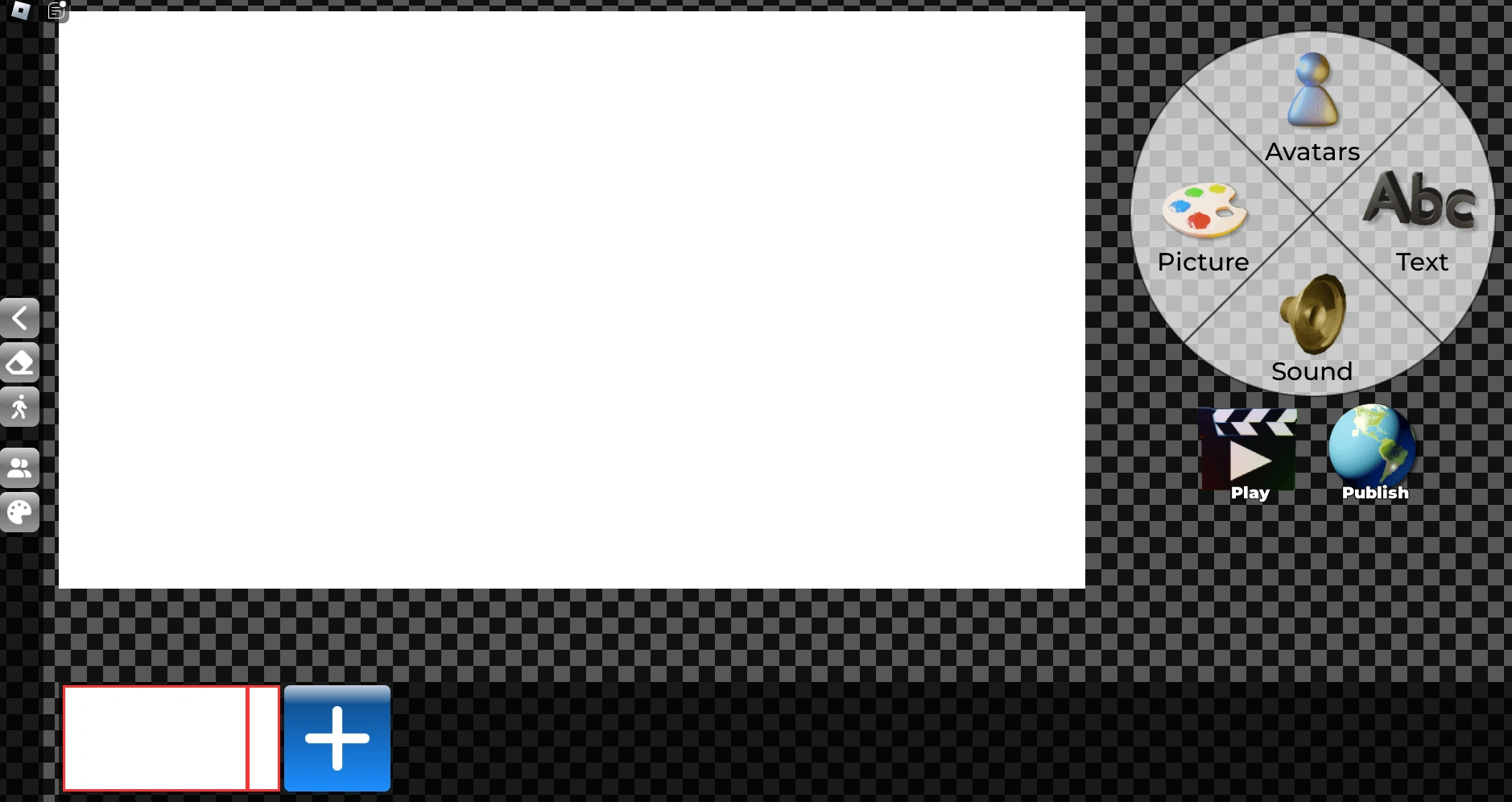
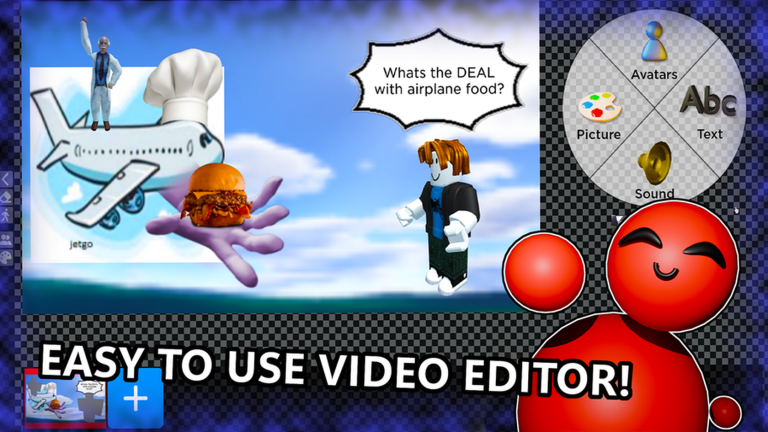
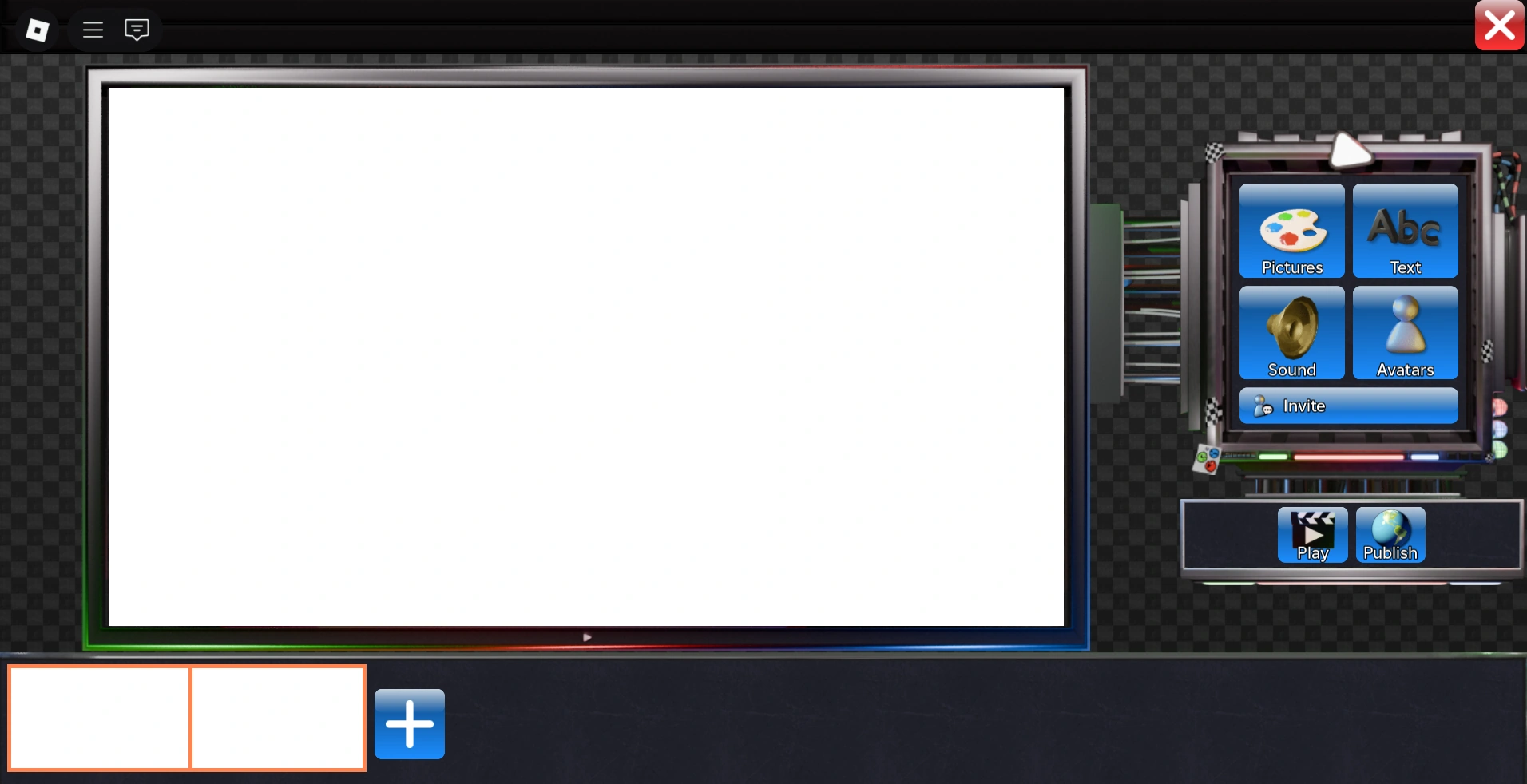
- Open the editor with the Create button.
- Click the clip you want music on — it is the one shown in the timeline along the bottom.
- Open the Sound panel and press the Music button.
- Pick a track from the albums, or type into Find Popular Music to search Roblox's library.
- Press play on the video screen. Check the music against any other sound in the clip.
One clip holds one track. That means music changes happen where clips change. If one song should run across several slides, add the same track to each of those slides and keep the volume the same, so the cut between them is not audible.
About the "music IDs" you see online
People pass numbers around in videos and comments — long IDs that claim to unlock a certain famous song. Two things to know before you go hunting:
- IDs die. A track can be deleted or made private at any time. Then the ID still gets accepted — but the slide plays silence. A list that worked last month is often half dead this month.
- Search beats lists. Find Popular Music is maintained by the game itself, and it only shows tracks that currently work. It is the one source that stays close to current.
If you have an ID and it still works, use it. Just treat every number you find online as untested until you hear it play in your own draft.
Why your music sounds wrong
Almost every "the music is broken" report comes down to three causes:
| Problem | Likely cause | Fix |
|---|---|---|
| The track plays silence | The song was deleted or made private on Roblox | Try another track. If only that one is silent, the track is the problem, not your movie |
| The song starts one slide late | Music is attached to a specific clip | Check which clip is selected in the timeline |
| The sound jumps between slides | Volume differs from clip to clip | Set all music clips to about the same level before you publish |
Beyond music
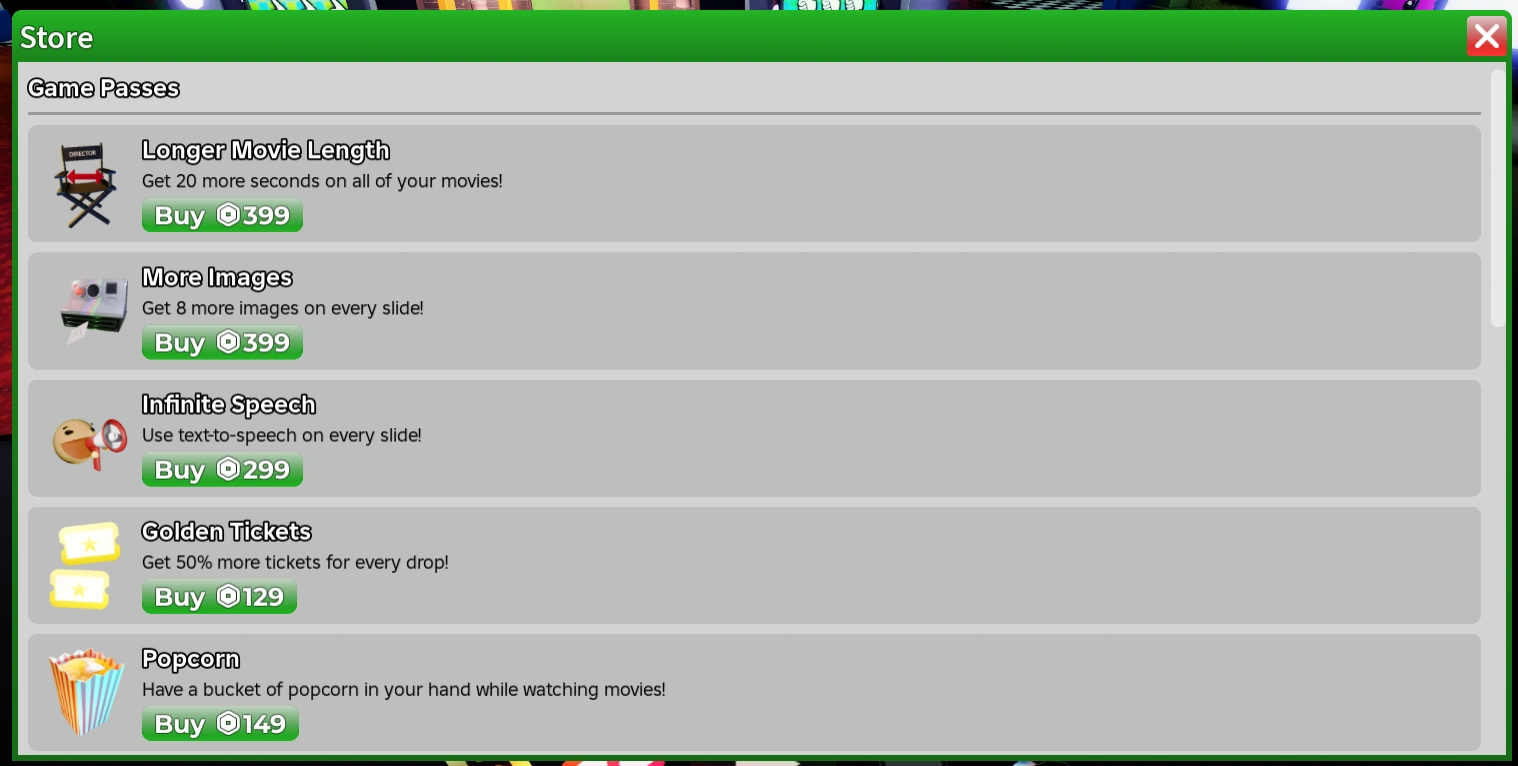
The Sound panel and the store also have voice and sound extras. The Infinite Speech game pass relates to how characters speak, and small sound-effect packs appear in the store from time to time. For a first movie, skip all of it — one clean track at the right moment does more than a pile of extras.
Next: the editor guide walks through every panel, and the better movies guide explains how to time music to your slides.