My Movie FAQ
My Movie is free to play on Roblox — Robux only buys optional extras. You can delete your own movies from My Videos, and the in-game rules require everything you publish to follow Roblox's Terms of Service.
The questions everyone asks
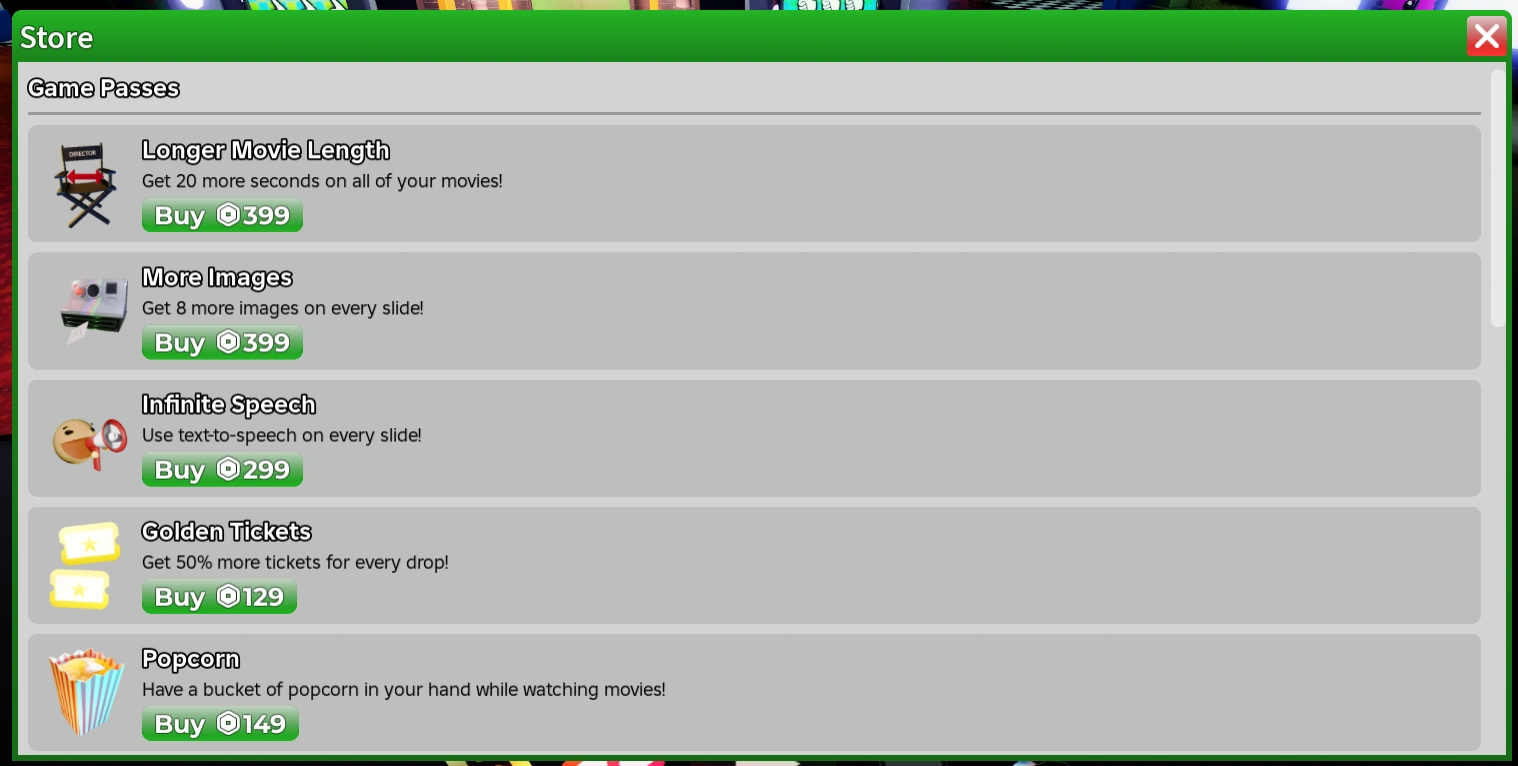
Is My Movie free? Yes. Robux buys optional extras — game passes and Ticket bundles — but the full create-and-publish loop is free. See Tickets and game passes for what is worth buying.
Does My Movie have codes? No. There is no code box in this game. When players say "music codes" or "song IDs", they mean audio tracks for movies. The full answer is in the music guide.
How do I earn Tickets fastest? Click falling Tickets when you spot them (5–35 each), play regularly (about 150 per 15 minutes), and claim the daily bonus. There is no secret faster route on the free side — Robux bundles are just convenience.
How do I delete a movie? Open Movies, then My Videos. You can delete your own movies from there. Same place if you want to check on a movie that seems stuck.
How do I get more people to watch my movie? Three things matter most: the title, the cover (thumbnail), and the first three seconds. The 10 tips guide covers all three properly.
Can I earn Robux from my movies? Not directly. My Movie has no Robux payout for creators. Viewers can send Tickets with super comments, and followers come with popularity, but money flows one way: players to Roblox.
How long can a movie be? There is a length limit per movie, and the Longer Movie Length game pass raises it. Most players should read the default cap as "make it tighter" — short finished movies beat long ones.
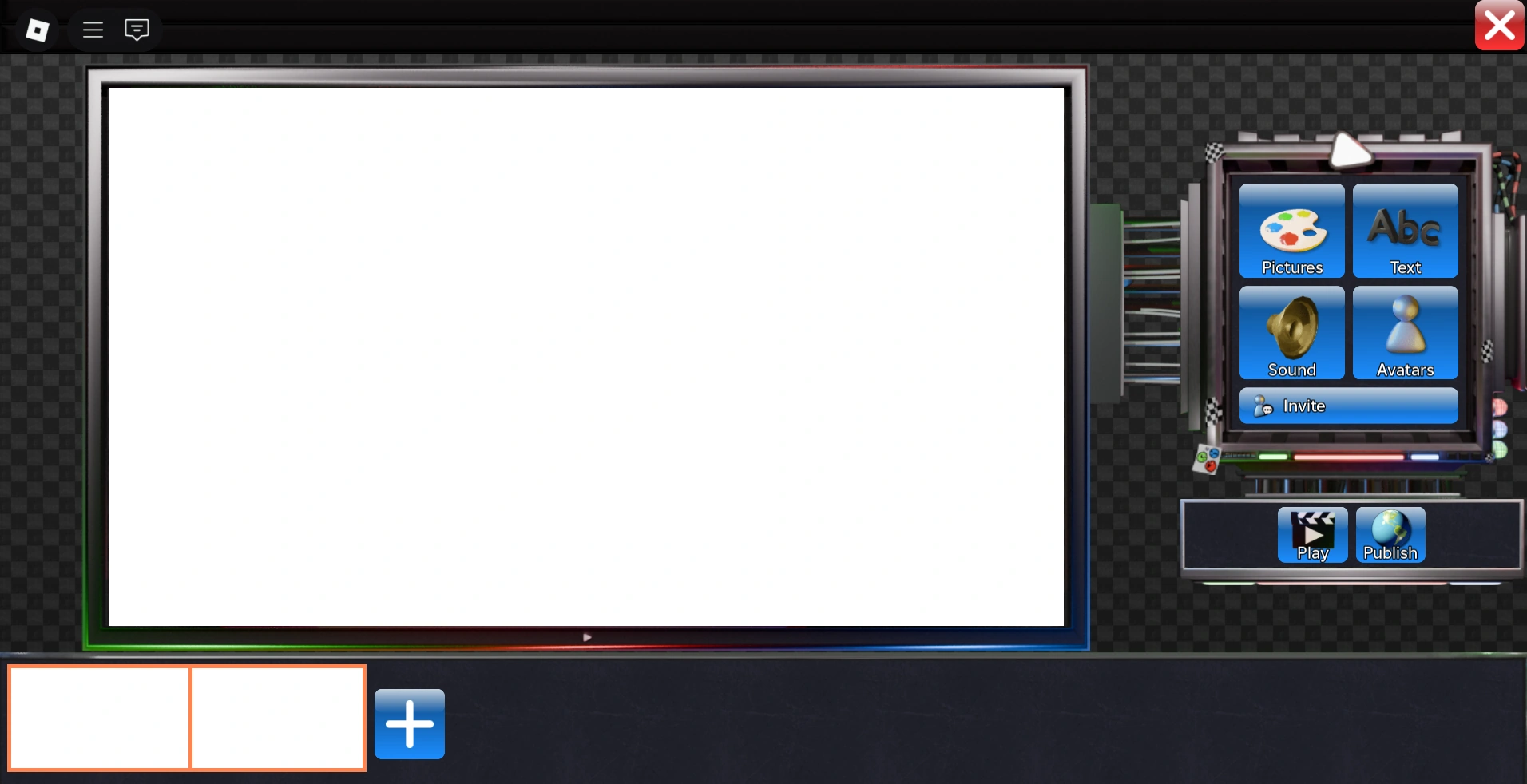
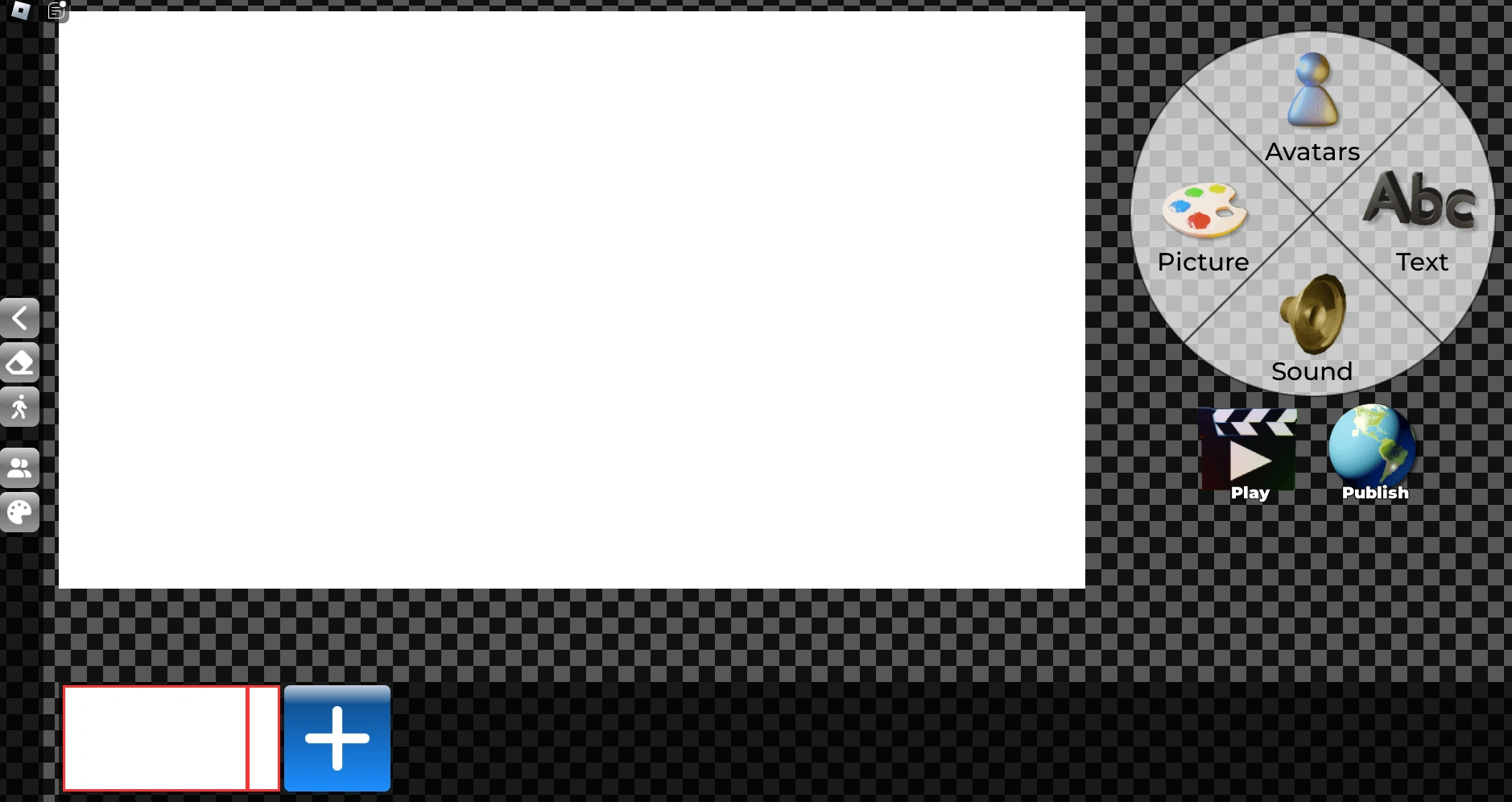
Does the editor work on mobile? My Movie runs anywhere Roblox runs. The editor is more comfortable with a mouse, but it works on phones for simple movies. A September 2026 patch specifically improved the phone experience.
How do I report a video? In the game: open Videos, then My Videos, and use the flag icon on the video. Beyond that, the Good Ape Discord has report channels.
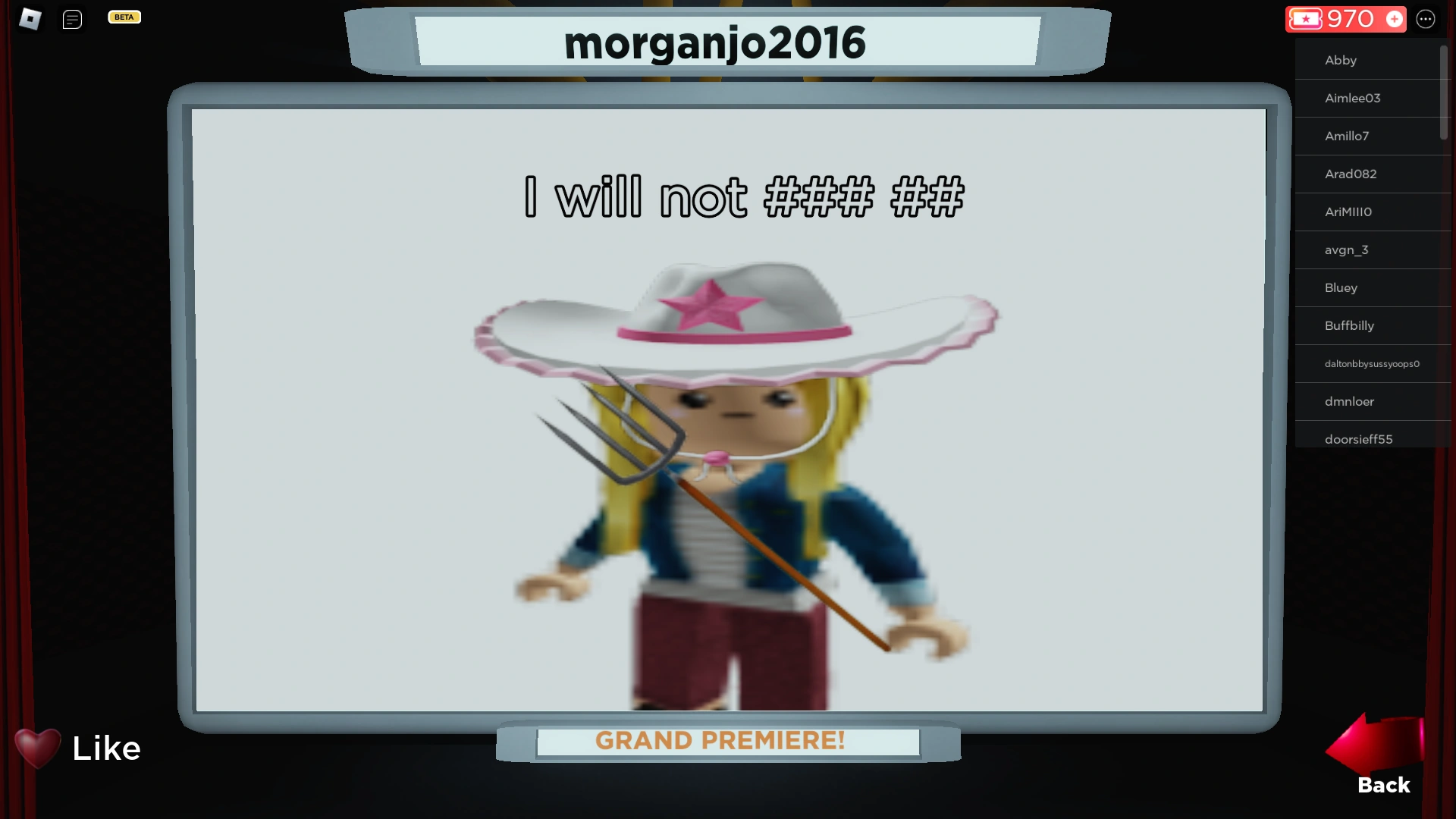
What are the rules for movies? Everything you publish must follow the Roblox Terms of Service. Spam uploads are banned, dodging the chat filter is banned, light blood is allowed, gore is not, and hateful or NSFW content is not. The in-game rule list is the authority.
How do I send feedback to the developers? The game has an in-game suggestions feature (that is where the "Dance Trends" pose pack came from). The developers also run the Good Ape Discord, linked from the game's Roblox page.
Where can I follow what changes in the game? The updates page tracks headline changes with dates. The Discord changelog has the full version.
Still stuck?
The beginner guide covers your first day, the editor guide explains every tool, and the contact page reaches a human for everything else.